
Practical guides from Marsen
WhatsApp Message for Tuition Classes: 25 Free Templates
What is a good WhatsApp message for tuition classes?
A good WhatsApp message for tuition classes is short, friendly and tells parents one clear thing to do next. It mentions your institute, the class or subject, the timing and how to reply.
Below are 25 free templates for admissions, demo classes, fee reminders, welcome messages and important notices. Replace the words in square brackets with your institute's details. We're Marsen Technologies, an AI automation agency in Siliguri, India. We set up automatic WhatsApp replies and reminders for coaching institutes.
What should a message for tuition classes include?
A message for tuition classes needs six things: your name, class, timing, fee, next step and contact details.
Here's what to write for each one:
- Your institute's name: Parents receive many messages every day, so introduce your institute in the first line.
- The class and subject: Name the exact class, board or exam, like Class 10 CBSE Maths.
- Timing and mode: Mention the batch days, the timing and whether classes happen online or at your centre.
- The fee: Parents asking about fees expect a number, so mention the exact fee or a realistic range.
- One next step: Ask them to reply, call or book a demo class, but pick only one.
- Contact details: Include your phone number and a Google Maps location for your centre.
What are good admission open messages for tuition classes?
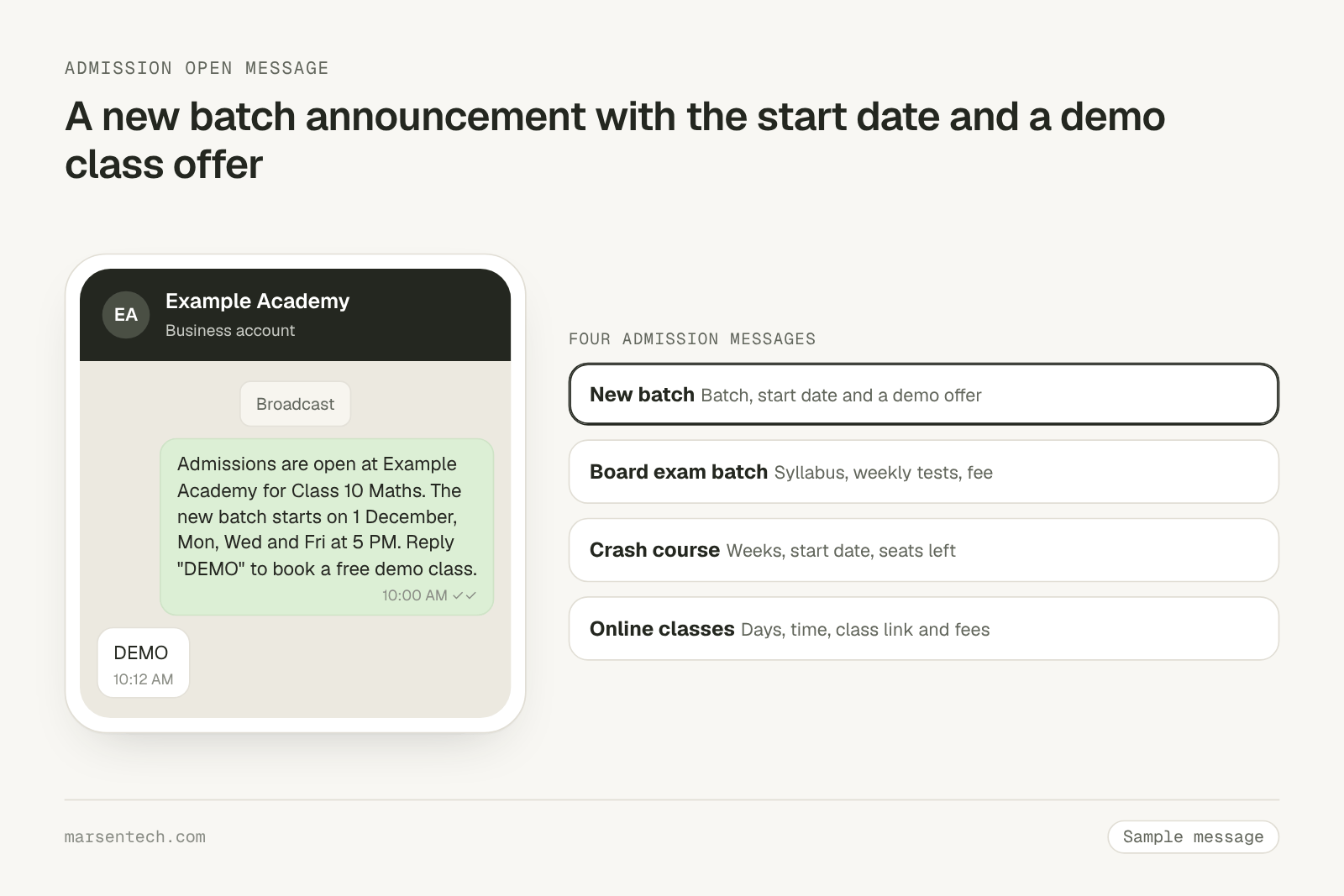
Good admission open messages name the batch, the start date, the fee and the number of seats available.
Use these four when you open a new batch:
| When to send | Message |
|---|---|
| New batch | Admissions are open at [Institute name] for [Class] [Subject]. The new batch starts on [date], [days] at [time]. Reply "DEMO" to book a free demo class. |
| Board exam batch | Getting ready for the [Board] board exams? Our [Class] batch covers the full syllabus, weekly tests and doubt sessions. Fee: [amount]. Reply to reserve a seat. |
| Crash course | Our [number]-week crash course for [Exam] starts on [date]. Classes will run [days] at [time], at [location or online]. Only [number] seats are available, so reply today to join. |
| Online classes | [Institute name] now runs live online classes for [Class] [Subject]. Students can join from home on [days] at [time]. Reply "ONLINE" and we'll send the class link and fees. |
How do you invite parents to a demo class on WhatsApp?
Invite parents to a demo class with a clear date, a short reason to attend and an easy way to confirm.
These four cover the whole demo:
| When to send | Message |
|---|---|
| Demo invite | Hi [Parent name], thanks for asking about [Class] [Subject] at [Institute name]. Would [student name] like a free demo class on [date] at [time]? Reply YES to book it. |
| Demo confirmation | Your free demo class is booked for [date] at [time] at [address or link]. Please bring a notebook, and reply here if you need to change the time. |
| Demo reminder | Reminder: [student name]'s demo class is tomorrow at [time]. Here's our location: [Google Maps link]. We look forward to meeting you. |
| After the demo | Hi [Parent name], we hope [student name] enjoyed today's class. If [student name] would like to join the [batch name] batch, reply and we'll share the fee and start date. |
What is a polite fee reminder message?
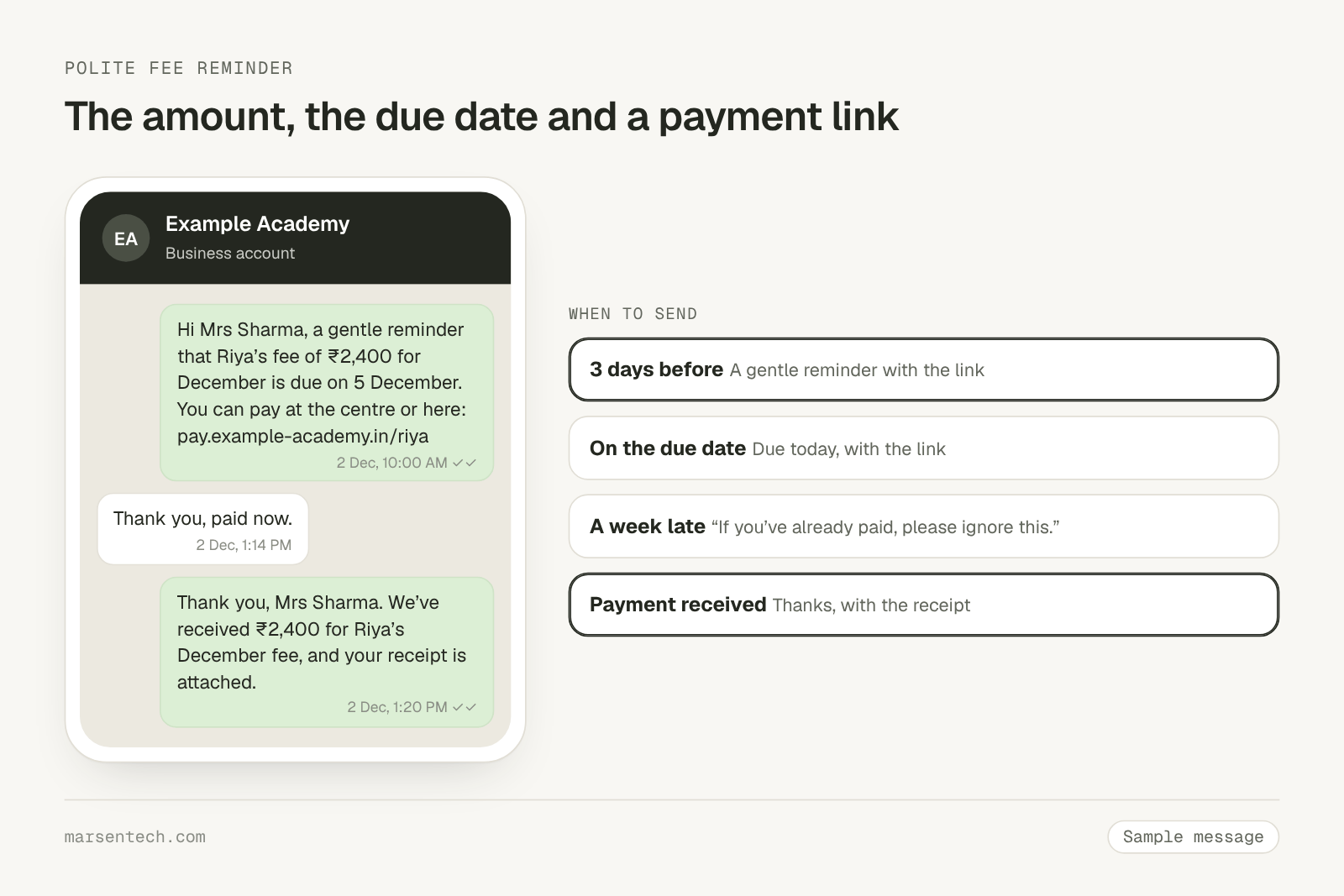
A polite fee reminder message gives the amount, the due date and a simple way to pay, without sounding harsh.
Send these four at different points:
| When to send | Message |
|---|---|
| 3 days before | Hi [Parent name], a gentle reminder that [student name]'s fee of [amount] for [month] is due on [date]. You can pay at the centre or here: [payment link]. |
| On the due date | Hi [Parent name], [student name]'s [month] fee of [amount] is due today. Please pay at the centre or with this link: [payment link]. Thank you! |
| A week late | Hi [Parent name], we haven't received [student name]'s fee of [amount] for [month] yet. If you've already paid, please ignore this. Please reply if you need a little more time. |
| Payment received | Thank you, [Parent name]. We've received [amount] for [student name]'s [month] fee, and your receipt is attached. |
What welcome message should new students get?
A welcome message for students should make them feel expected and explain exactly what happens on their first day.
Use these three after admission:
| When to send | Message |
|---|---|
| Welcome to the batch | Welcome to [Institute name], [student name]! We're happy to have you in the [batch name] batch. Your regular classes start on [date] at [time]. |
| First-day details | For your first class, please bring [items]. Reach [address] by [time]. Your teacher, [teacher name], will meet you at the front desk. |
| Welcome for parents | Dear [Parent name], thank you for choosing [Institute name] for [student name]. We'll share test results and updates here every month. Save this number to get them. |
How do you share notices and updates with parents?
Send one short message for every update, so parents can easily find the information again later.
These four cover the most common updates:
| When to send | Message |
|---|---|
| Holiday | [Institute name] will be closed on [date] for [festival or reason]. Classes will restart on [date] at the usual time. |
| Timing change | From [date], the [batch name] batch will run at [new time] instead of [old time]. Reply here if the new time doesn't suit you. |
| Test schedule | [student name]'s [subject] test is on [date] at [time]. It covers [chapters]. Please make sure they revise these chapters at home. |
| Results and meeting | [student name] scored [marks] in the [subject] test. Let's discuss their progress at the parent-teacher meeting on [date] at [time]. |
Which WhatsApp messages work for festivals and referrals?
You can send festival greetings, ask for referrals or follow up old enquiries, if each message feels personal.
Here are three to try:
| When to send | Message |
|---|---|
| Festival greeting | [Institute name] wishes your family a happy [festival]! Admissions for [batch] are open, and this week the registration fee is [offer]. |
| Referral | Know a friend who needs help with [subject]? Share this number with them, and when they join, you'll receive [reward]. |
| Old enquiry | Hi [Parent name], you asked about [Class] classes in [month]. A new batch starts on [date]. Would you like a free demo class first? |
What should your WhatsApp Business description say?
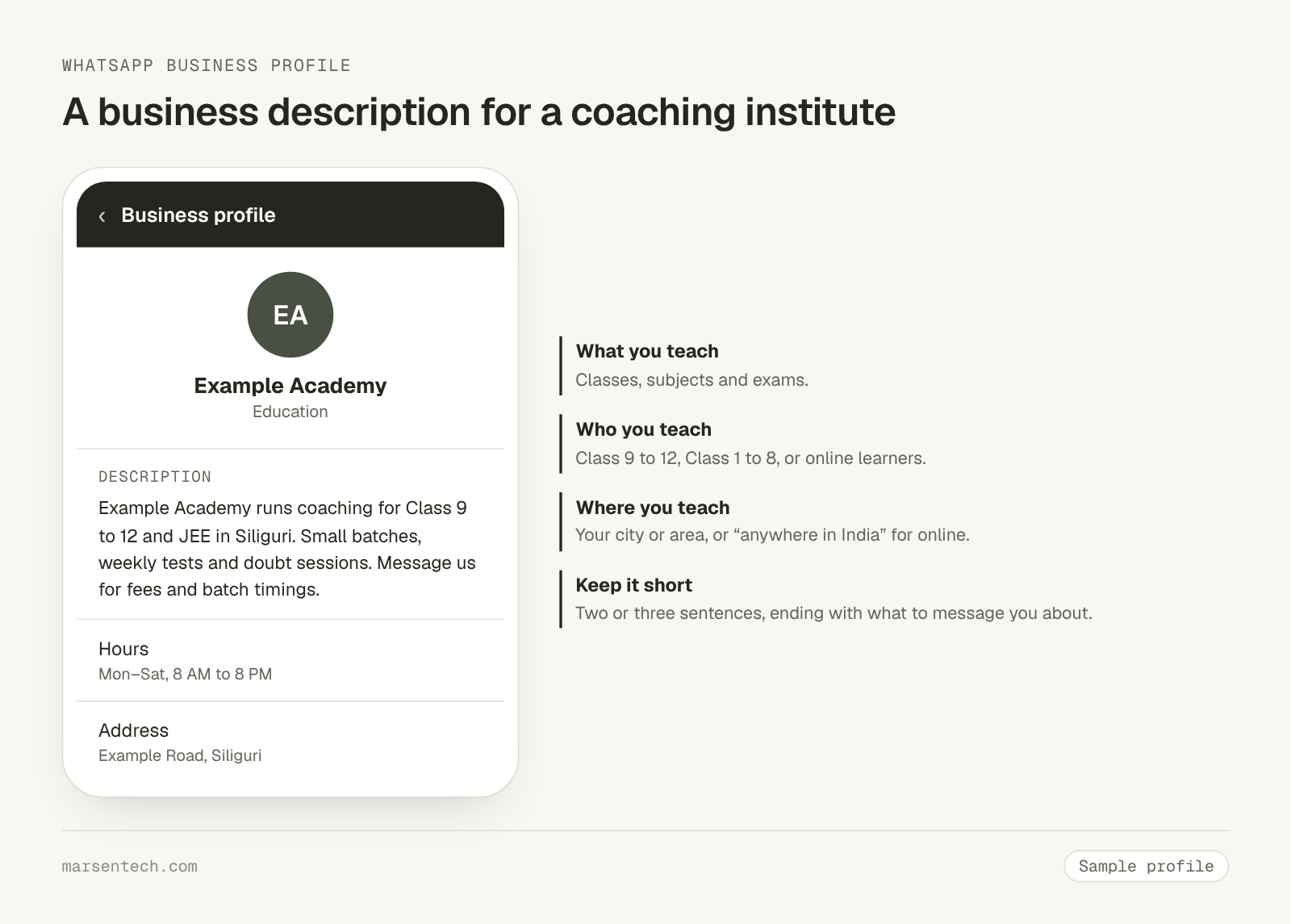
Your WhatsApp Business description for education should say what you teach, who you teach and where you teach.
Keep it to two or three short sentences, and add it to your business profile in the WhatsApp Business app. Here are three samples:
| Type of institute | Business description |
|---|---|
| Coaching institute | [Institute name] runs coaching for Class 9 to 12 and [Exam] in [city]. Small batches, weekly tests and doubt sessions. Message us for fees and batch timings. |
| Tuition centre | Tuition for Class 1 to 8, all subjects, CBSE and State Board. Morning and evening batches in [area], [city]. Ask us about a free demo class. |
| Online classes | Live online classes in [subjects] for [classes]. Join from anywhere in India. Message us to receive the timetable and fees. |
How do you send these messages to many parents at once?
You can send one message to many parents using a broadcast list in the free WhatsApp Business app. WhatsApp's help page on broadcast lists says only contacts who saved your number receive a broadcast. To reach parents who haven't saved it, you can turn the broadcast into a paid marketing message.
Here's how a broadcast list compares with the WhatsApp Business Platform:
| Feature | Broadcast list (free app) | WhatsApp Business Platform |
|---|---|---|
| Who receives it | Only contacts who saved your number | Parents who opted in to hear from you |
| Message type | Any text you type | Meta-approved templates outside the 24-hour window |
| Personal details | The same text for everyone | Names, dates and amounts filled in for each parent |
| Replies | Land in your normal chats | Land in a shared inbox or a chatbot |
| Cost | Free | Meta charges for most template messages |
On the platform, Meta sorts templates into types like marketing and utility, as its guide to template categories explains. A fee reminder for a student who has already joined usually counts as utility. A promotional admission offer counts as marketing.
What mistakes should you avoid with tuition class messages?
The biggest mistake is messaging parents who never agreed to hear from you, because they may block or report your number.
Watch out for these too:
- Too many messages: One or two updates every week is usually enough for most families.
- No fee information: A reply without the fee makes parents ask again, or move on to another institute.
- Long paragraphs: Parents usually read on mobile phones, so keep every message under five lines whenever possible.
- All capital letters: It feels aggressive and often looks like spam.
- Outdated details: Update batch timings and fees in your saved replies immediately whenever they change.
When should you automate tuition class messages?
Automate these messages once you're sending identical ones manually every day. A WhatsApp chatbot can answer fee and timing questions in seconds, even late at night. An admission management system can send demo and fee reminders automatically, exactly on time.
One service business we worked with went from 1 closed deal a month to 7 after adding AI follow-up. That's one result, not a promise. Book a free 60-second enquiry audit and we'll show you which messages your institute can automate first.
Frequently asked questions
Can I send WhatsApp messages to parents who haven't saved my number?
Not with a broadcast list in the free app. You'd need to switch to WhatsApp's paid marketing messages, or send approved templates on the WhatsApp Business Platform.
Are these templates free to use?
Yes, copy them and adapt them however you like. Sending them from the WhatsApp Business app is completely free too.
How often should I send fee reminders?
One reminder a few days before the due date and another on the day is usually enough. Send a third only if the payment is overdue, and keep it polite.
Can I add images or PDFs to these messages?
Yes, you can attach a brochure, a timetable or a payment receipt in the app. On the Business Platform, you can add an image, a video or a document to a template too.
Can I write these messages in Hindi or Bengali?
Yes, WhatsApp delivers the text exactly as you type it, in any language. You can also send the same message in English and in the parents' home language.
Do I need Meta's approval for these templates?
You only need it on the WhatsApp Business Platform, where Meta checks each template before you can send it. In the free app, you can send any message you type.
Who wrote this guide?
Aranyak Sengupta is a co-founder of Marsen Technologies, an AI automation company in Siliguri, India. He builds WhatsApp enquiry replies, follow-up automation and CRM workflows. His focus is coaching institutes, clinics and other service businesses.
What should you read next?

Built around your business
Put what you’ve learned to work.
Book a demoBring us your questions. We’ll help you find a useful next step for your business.